
6.10 ridge plot
Note
Click here to download the full example code or to run this example in your browser via Binder
6.10 ridge plot#
# sphinx_gallery_thumbnail_number = 2

import numpy as np
import pandas as pd
from easy_mpl import ridge
import matplotlib.pyplot as plt
from easy_mpl.utils import version_info

version_info()  # print version information of all the packages being used
{'easy_mpl': '0.21.4', 'matplotlib': '3.8.4', 'numpy': '1.26.4', 'pandas': '1.5.3', 'scipy': '1.13.1'}
data_ = np.random.random(size=100)
_ = ridge(data_)

data_ = np.random.random((100, 3))
_ = ridge(data_)

specifying colormap

The data can also be in the form of pandas DataFrame
_ = ridge(pd.DataFrame(data_))

if we don’t want to fill the ridge, we can specify the color as white
_ = ridge(np.random.random(100), color=["white"])

we can draw all the ridges on same axes as below
df = pd.DataFrame(np.random.random((100, 3)), dtype='object')
_ = ridge(df, share_axes=True, fill_kws={"alpha": 0.5})

we can also provide an existing axes to plot on

The data can also be in the form of list of arrays
x1 = np.random.random(100)
x2 = np.random.random(100)
_ = ridge([x1, x2], color=np.random.random((3, 2)))

The length of arrays need not to be constant/same. We can use arrays of different lengths
x1 = np.random.random(100)
x2 = np.random.random(90)
_ = ridge([x1, x2], color=np.random.random((3, 2)))

(1446, 25)
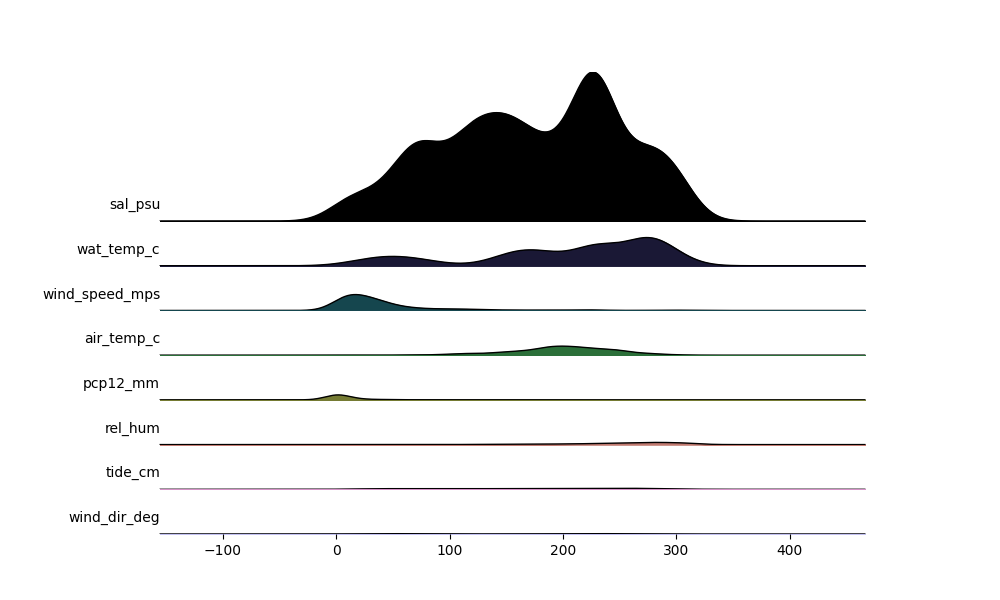
f = 'https://media.githubusercontent.com/media/HakaiInstitute/essd2021-hydromet-datapackage/main/2013-2019_Discharge1015_5min.csv'
df = pd.read_csv(f)
df.index = pd.to_datetime(df.pop('Datetime'))
print(df.shape)
df.head()
(543568, 12)
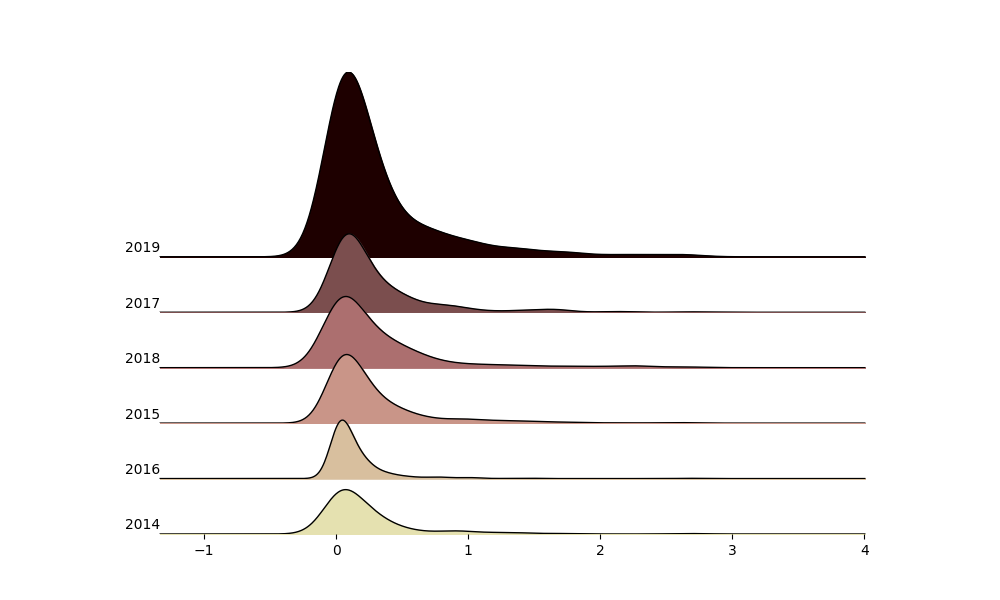
groupby_year = df.groupby(lambda x: x.year)

_ = ridge(
    [grp['Qrate'].resample('D').interpolate(method='linear') for _, grp in groupby_year],
    labels=[name for name, _ in groupby_year],
    )
Total running time of the script: ( 0 minutes 7.286 seconds)
